ManaWriter
A downloadable tool
Welcome to the latest in retro writing technology!
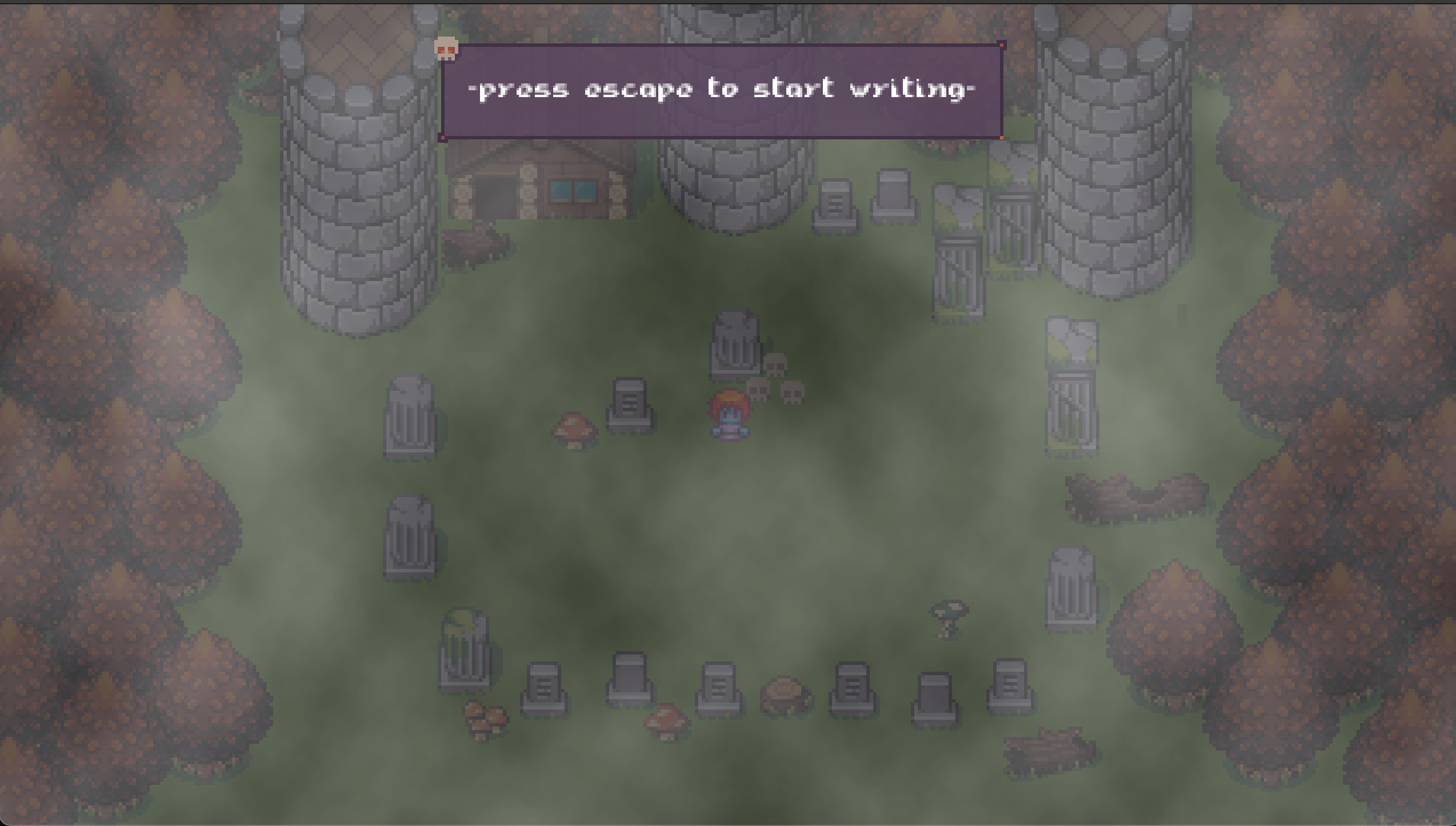
Imagine, if you will,that Nintendo saw an Alphasmart Neo2 and decided to combine it with a gameboy advance. 
ManaWriter - because writing should be fun.
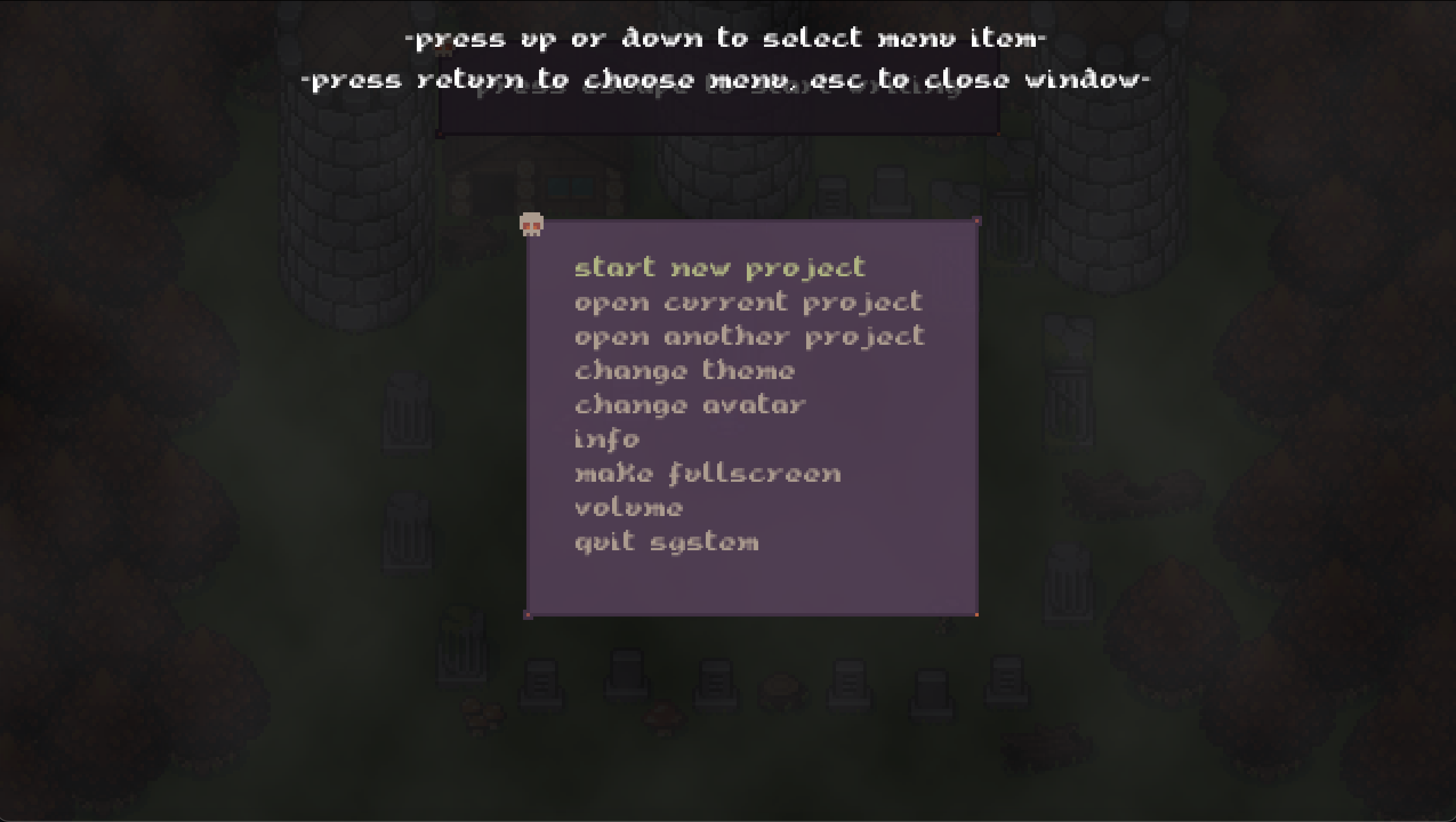
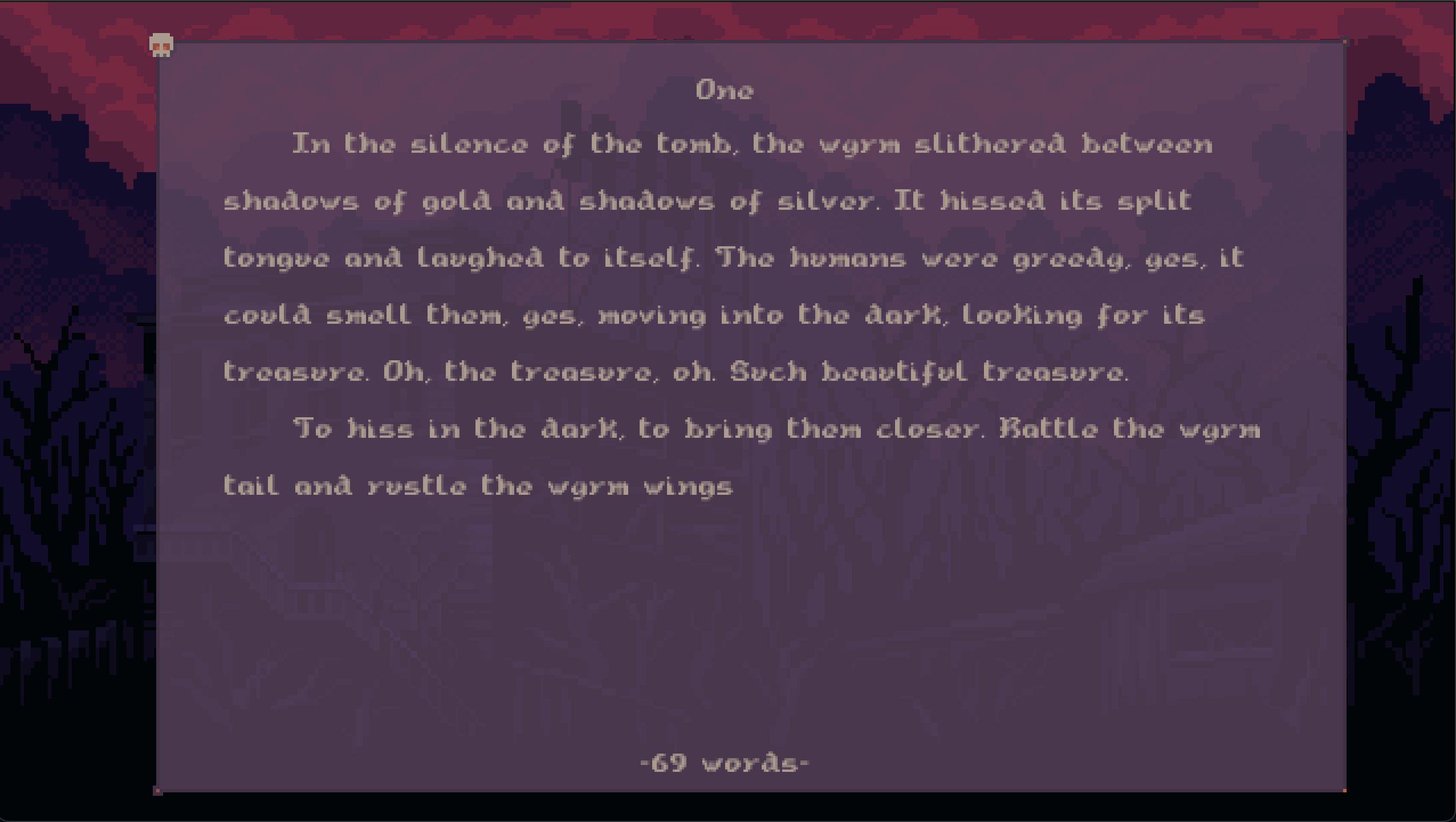
A virtual writerdeck, to help you focus on a firstdraft and just write that novel or shortstory. And done in a way for maximum joy, by looking and playing like an old supernes or gameboy advance RPG.
ManaWriter- because modern life is filled with distractions
- Keyboard only, no mouse or touchscreen.
- Fullscreen, to get rid of any pop ups, messages, notifications and etc
- Themable, to get you in the mood for your novel
- Fun video game music, to enhance that joyous retrovibe
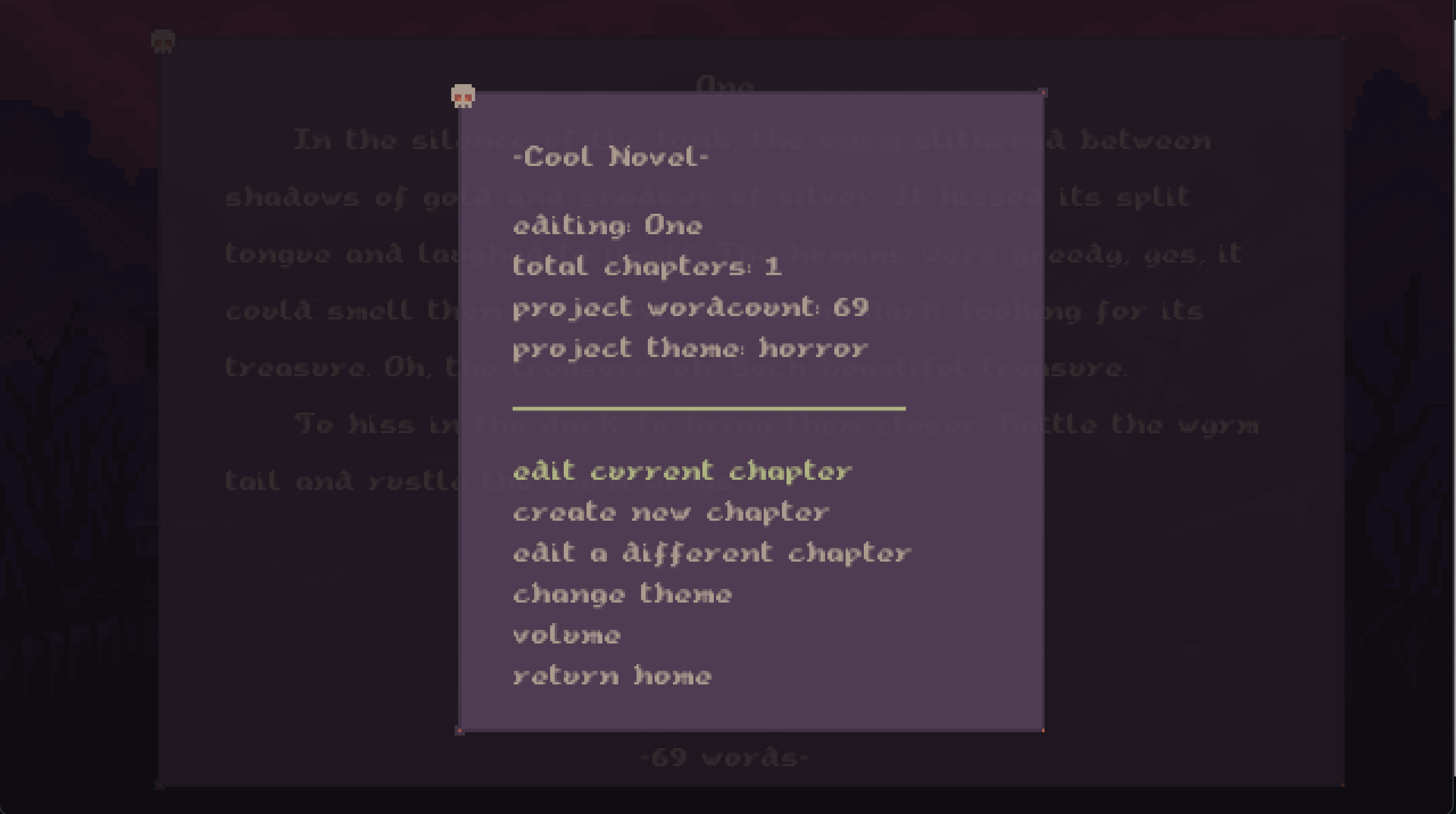
- Every keystroke is autosaved. Never have to worry about losing your work, even on system crashes
-You can edit! Unlike some other fancypants expensive devices, you can use your arrow keys and shift keys to highlight, copy and paste (ctrl+c, ctrl+v), delete, etc large portions of the text.

Manawriter- because retrotools shouldn't cost an arm and a leg
Have you ever wanted one of those fancy writerdeck/digital typewriter/word processors, but thought they were massively overpriced? Or that hunting down and buying and old school device just too time consuming and not worth the hassle? And yet, somehow, you still want to be able to focus on your novel or shortstory without all the distractions of modern life?
What is it, really?
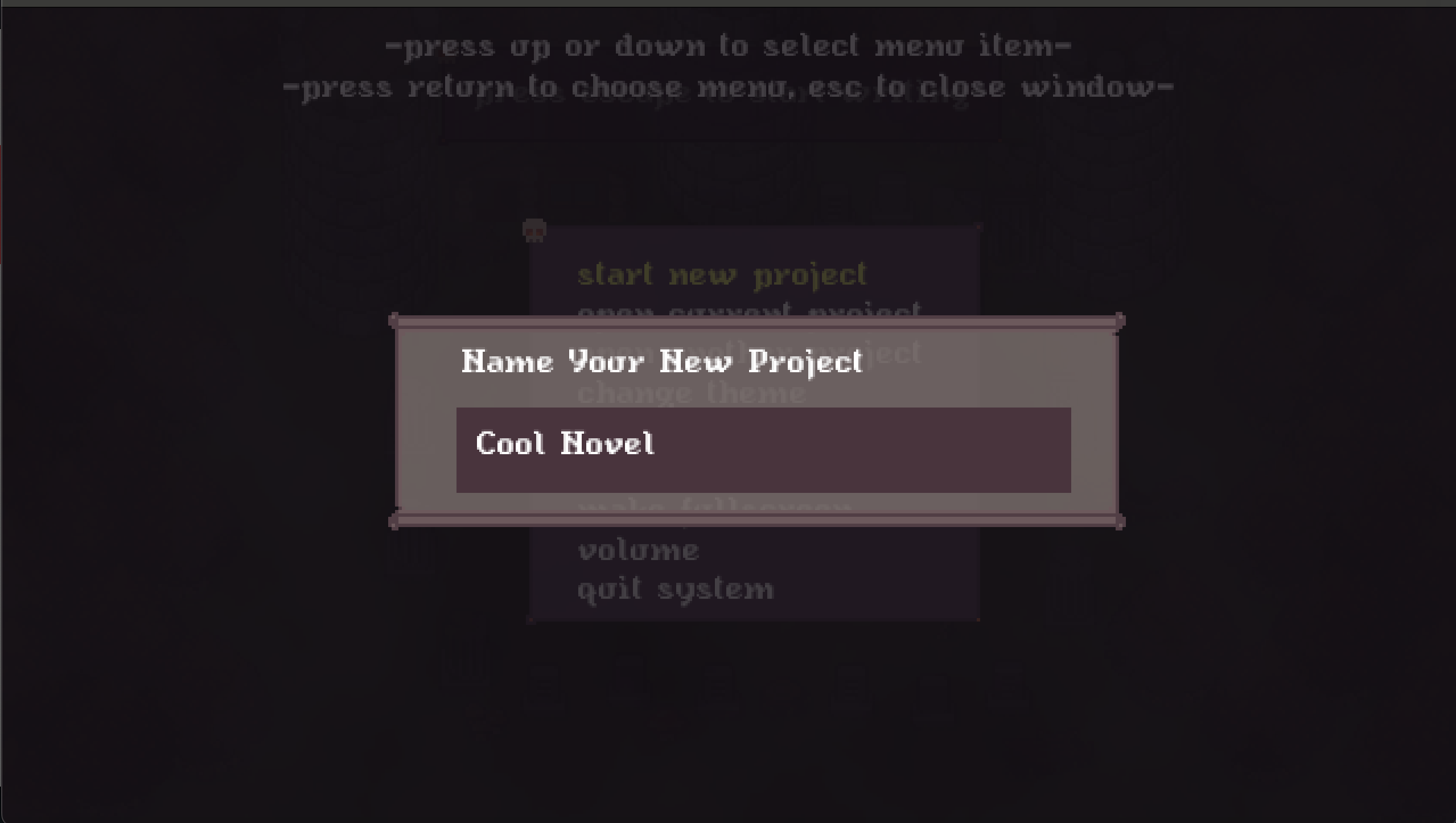
An emulator for a fantasy console, much like the Pico 8. But instead of emulating video games, it emulates a retro writer deck. You write and create novels and short stories in much the same easy, fun way you would play a video game. All with the keyboard.

How does it work?
Easy. Just download and run the game! There you go, nothing to it. Unless you're on a Mac, there are extra instructions included with the OSX version of the file. Make sure you read it, so you know what to expect and how to get it running!
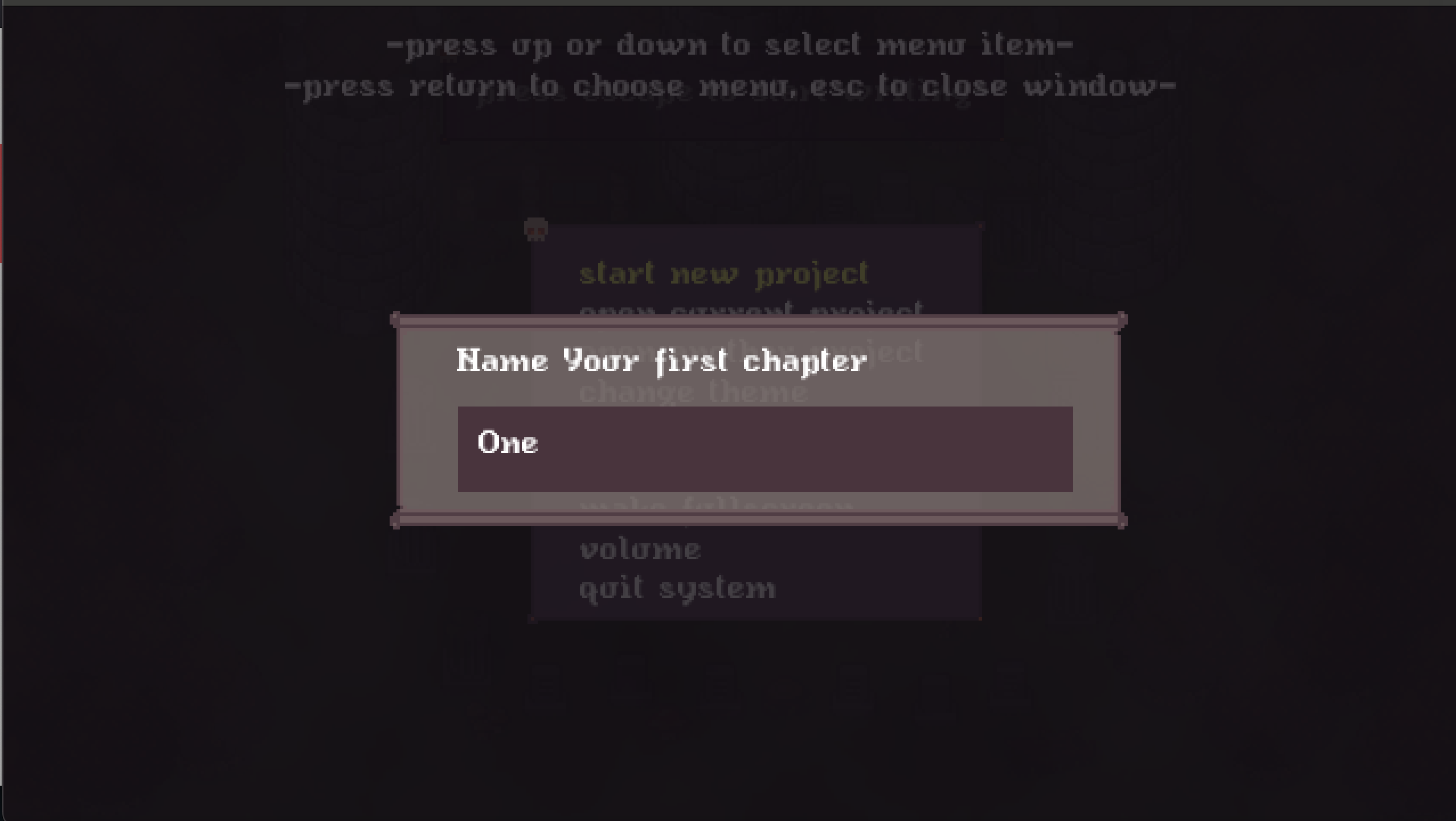
After that, you choose your theme and your avatar. Out of the box it comes with horror, dark fantasy, cozy fantasy, and a default theme. But it's super easy to make your own! And each project can have its own them, to get you in the mood to write and be awesome.
How do I access my files?
Your novel and shortstory files are stored in a projects folder. This folder is in the same directory as ManaWriter. They are stored in plain text format, to make it easier to just copy and paste into whatever software you use for editing your second draft (LibreOffice, MS Word, Google Docs, etc). Currently, there is no plan for exporting the files ala Scrivener. Since this is emulating a writerdeck style device, and most of them don't export/have similar ways of accessing the files you save.
The Future of ManaWriter
In the near future I plan on adding some new features:
- Sending emailed copies of your WIP
- Shortcut key commands for cycling through chapters/projects/etc
- Adding RPG like elements to the writing itself. Leveling up after so many words/chapters/books, etc.
Purchase
In order to download this tool you must purchase it at or above the minimum price of $10 USD. You will get access to the following files:
Development log
- Next update68 days ago
- Massive Update87 days ago
- Hard at work on the next updateMar 02, 2026
- Upcoming updatesFeb 05, 2026
- Latest updates for ManaWriterJan 12, 2026
- Incoming updates this weekendJan 06, 2026
- Upcoming ManaWriter UpdatesDec 26, 2025
- Small update for Mac OSX usersDec 19, 2025
Comments
Log in with itch.io to leave a comment.
I just purchased this and have had a few days to play around with it. I really like it! Just a couple of notes / requests for future updates...
1) I noticed that when switching themes, something weird happens with the cursor where it can get out of alignment with where text is actually being edited. It either shifts a few spaces back or forward which makes editing a little difficult. If you keep the same theme for the document you created this doesn't seem to happen. At least this is what I have noticed so far. I am a MAC user by the way.
2) It would be great if we could control the volume of the music and sound effects separately.
3) a random idea: would be great if you could go into whatever house / hut / castle thing and have that be a "writers room" or something that you could upgrade based on your XP. Or you could implement some way to earn a currency to purchase items for your house like typewriters...writing desks...bookshelfs....that kind of thing. Quests come to mind. Like "write 800 words this week" to earn more xp and gold coins or something. Just wanted to share all these little thoughts I had while using it.
I love it so far...keep up the good work! Cheers!
Great suggestions!!! And #1 is a bug I hadn't noticed (I develop it on a mac, so I should've seen it?), I'll definitely put a fix in for the next update.
#2- I am adding that in a future update, thanks!
#3- Hmm. That is a good idea. Def a future update, though that one will be complex, so it might be a few updates later
I loved the update!
Thank you! That means a lot to me!!!
I discovered a way to crash things. If you open a project that has one chapter and then hit both control keys to change chapter, you get a blue screen with this text:
Error
engine/projects.lua:91: attempt to concatenate local 'file' (a nil value)
Traceback
[love "callbacks.lua"]:228: in function 'handler'
engine/projects.lua:91: in function 'loadFile'
engine/projects.lua:65: in function 'getFileSummary'
engine/states/fileSelect.lua:65: in function 'draw'
engine/states.lua:56: in function 'draw'
engine/init.lua:54: in function 'draw'
main.lua:42: in function 'draw'
[love "callbacks.lua"]:168: in function <[love "callbacks.lua"]:144>
[C]: in function 'xpcall'
Thank you so much for finding this bug! I'll get this fixed ASAP., and put it in with the next update.
I did get an error earlier when I was trying to write:
Error
engine/projects.lua:91: attempt to concatenate local 'file' (a nil value)
Traceback
[love "callbacks.lua"]:228: in function 'handler'
engine/projects.lua:91: in function 'loadFile'
engine/projects.lua:65: in function 'getFileSummary'
engine/states/fileSelect.lua:65: in function 'draw'
engine/states.lua:56: in function 'draw'
engine/init.lua:54: in function 'draw'
main.lua:42: in function 'draw'
[love "callbacks.lua"]:168: in function <[love "callbacks.lua"]:144>
[C]: in function 'xpcall'
I had spent some time writing earlier today, but when I tried to open my current project, it shows 0 chapters and 0 words. If I select "Open another project", I can see my project, with 1 chapter, and 106 words. But then if I open it to edit, there aren't any words at all. If I try to edit a different chapter, I get that Lua error.I just got this today and I've been having so much fun, but if I've already lost a small bit of what I worked on, it's going to be hard to keep working on projects. :[
Even creating a new chapter and then trying to switch to another causes the Lua crash. I'm running on Windows 64, if that helps!
Did you download it from the itch downloader? If not, did you extract the zip file to a folder, or are you running it from inside the zip archive? Thanks in advance!
Nevermind, it's obviously not in the zip archive still, that would cause a different error.
I'm sorry, I can't seem to recreate this error on my own Windows 11 machine. I did a fresh install, wiped the other projects, and tried different ways to receate the error.
It seems like it's having issues getting the file name (that's the nul). What did you name the chapter, out of curiosity?
Trying to narrow this down somehow. I'm a writer myself, and I know how frustrating it is to lose work.
Thank you, I really appreciate you looking into this! I have one chapter called "Test Chapter", where I was just trying to see if I could switch to other chapters. I also have one called "In Which Lyre Talks".
I did a few things this morning after you mentioned the zip archive and extraction. When I had first extracted from the Zip, it was in my downloads folder. I tested it, then moved the unzipped folder to my documents. After that, I started having the issue.
So today I deleted the one that existed in documents, moved the zip to documents, and unzipped it there before using it. And now it seems to be working between sessions with no errors!
I'm not a lua person but I do program in C# quite a bit, so I'm wondering if it had just associated the directory with my downloads folder since I ran it / saved a project there first, and couldn't find it once I'd moved it.
Either way, it looks like it's working just fine now! It's not too much of a word loss and I should've saved it in the right spot in the first place. But thank you so much for following up on this one!
Actually, thank you so much for mentioning this! It's not a Lua thing, but a save file thing. In order to keep track of which themes are for which projects a save file stores the location of each projects and files (it's in Appdata/Roaming). I have a feeling it was probably seeing the original location, saving it, and then having those issues.
I am so glad it's working for you now though. That makes me happy! If there are any other issues, please let me know. I'm going to make it so that in future updates (one coming before the end of this month) it will use relative directory names for the themes and the save file, rather than hard coded. That should keep that from happening again (finger's crossed!), in case anyone else has the same issue.
Thank you for letting me know that's what fixed it for you. I was worried! I was hoping we could find a solution, and glad one came out.
Oh shit, I am so sorry! This is the first time this error has shown up. Let me look into it. What operating system? Windows 11 or Windows 10?
Also, can you look at the projects folder it should have created in the ManaWriter folder, and let me know if their is a folder named after that project, and if there are text files in there, and if so, what do they have inside?
Thank you so much for checking these in advance. I'm going to see what I can do. I might have you email me your folder at some point, if I can't recreate the error.
I think what's happening is that the Chapter might be unnamed, but I thought I'd fixed that by forcing a name, so it should still create the file and access it correctly. I'll take a look today and let you know what I find.
Is there currently a way to get it working on Raspberry Pi? I attempted to get the love version working but it failed, presumably because it was incompatible with the Arm processor.
As of now, I don't have a Pi to test it on and debug so I can fix. Indo know that getting Love2d games to work on the Pi is a pain. I tried it about 6 or 7 years ago with an Pi 3 and it was a nightmare. I know there is a port of Love to Pi, but...it's not the best?
So as of right now, not yet. But I am working on it, and I'm sure there is a way, it's just might take me a bit
I bought this software, but unfortunately, I can't read anything because of the font. In other responses, I saw that there will be an update, so I am waiting.
The option to also turn off the music would be great.
Other than that, the software is excellent!
Thank you for your kind words! And yes, the font update and volume update is coming later today. I'll have instructions on how to update in a blog post on itch to go along with it.
It's up now! If you have any other issues let me know.
I loved the update, but I still have a little problem with the font. “” and — appear as rectangles. The volume symbol does too, but other than that, everything is fine. For now, I changed the font in the main folder, and “” and — showed up without any issues; the only downside is that the font became huge hahaha.
The volume is supposed to appear as rectangles, it's supposed to look like the volume going up and down on old tv/vcr, lol. And yeah, it does require a smaller font. Which theme did you use that had the issue? Each theme has its own font, and I thought I made sure the ones we had in there could handle curly quotes just fine.
I just tested every theme, and the font "" appear just fine for me, not as rectangles? Are you copying and pasting it from a word doc or something like that? Just curious!
Lovely idea, I really like this! Is there a way to turn off the music, if I want to put something else on while I'm writing?
I'm running the Mac version, and there seems to be an issue with the full screen on my computer. I turned it on, and it worked but when I want to leave it and go to the windowed version, it doesn't do anything and stays in full screen.
I will add an ability to turn down the music or off, same with sound effects, in a future update for sure.
Thanks for letting me know the error about the mac version. I was testing it on Mac and haven't had that same issue. Did it give you any error codes at all? I'll see if I can add that fix in the Monday update I'm sending out. I won't be able to add the music/sound additions Monday, but will hopefully have the fullscreen issue fixed.
Cool that you're thinking about adding the music option!
It doesn't give an error code. It seems something happens when I click the option to leave fullscreen. The screen goes black for a second, then rapidly I see a flickering, and then it displays the fullscreen again. I will add that I'm using an older version of macOS, so maybe that's the issue? I'm running OSX 12.6
Okay, yes, it was the cooldown delay when the menu item is selected! So on Monday's update this should be fixed for you.
Thank you for looking into it! Looking forward to the update!
This is a neat idea but the text is so blurry I can barely read it. Is there anything I can do to fix that?
Got it almost done, just need to testing and debugging to make sure the update doesn't break anything. Probably go live Monday as the "ClearText Update" lol.
It looks pretty sharp. I'll update the screenshots here when I update monday.
I agree that the font is a huge problem for me too, barely readable on my screen. Glad you got a fix for it ! Looking forward to it
Great! It does look much clearer, so here's hoping this fixes it for everyone :) And still keeps the retro SNES look
Thanks for addressing this so fast. This and not having sound options were the only aspects preventing this bit of software from being the most unique and useful writing tool I have come across.
Any chance you could make it work in full screen mode on portrait displays? Oh and support for scroll wheels? My mini Bluetooth keyboard that I love thumb typing with has a a nice big scroll wheel on it that adds a real tactile element to reviewing what I have typed.
Huh! That would be cool. Maybe for a future update I can figure out how to do portrait displays!